How to sell on Azure Marketplace!

The software market has evolved from a standard ‘boxed product’ with a ‘perpetual license’ to a ‘grab it online’ and ‘pay as you go’, model. Previously, the software was categorized broadly into products or services.

Nowadays, with everyone moving to the cloud, the ways how software is delivered or made available to end-users is evolved too.

For example, a simple Human Resouce or Payroll application can be made available as a pre-installed product on a Virtual Machine (Infrastructure as a Service), or the entire application made available as just a Software-as-a-Service (or SaaS) on a per-user or per-seat basis.

With this approach, discovery, purchasing or procuring, and deployment of these software products became a challenge.

Microsoft has addressed these concerns with Azure Marketplace!

It is a one-stop shop for individuals, startups, small or medium businesses, or even enterprises to discover, find, search, purchase, procure, and deploy solutions on top of the Microsoft cloud (Azure, Office 365, Dynamics, etc…).

Having said that, publishing solutions on Azure Marketplace can be a daunting task if you’re new to Microsoft world. It could be overwhelming.

I’ve curated a list of videos, which should help you to kickstart your journey with Azure Marketplace and deploy your solutions over there.

I wish you happy selling :)
Introduction to Azure Marketplace
Microsoft Partner Center Walkthrough
Collecting Customer Leads
Technical Flow for APIs
Azure Marketplace API Integration

Learn Mobile App Dev & Mobile DevOps Here

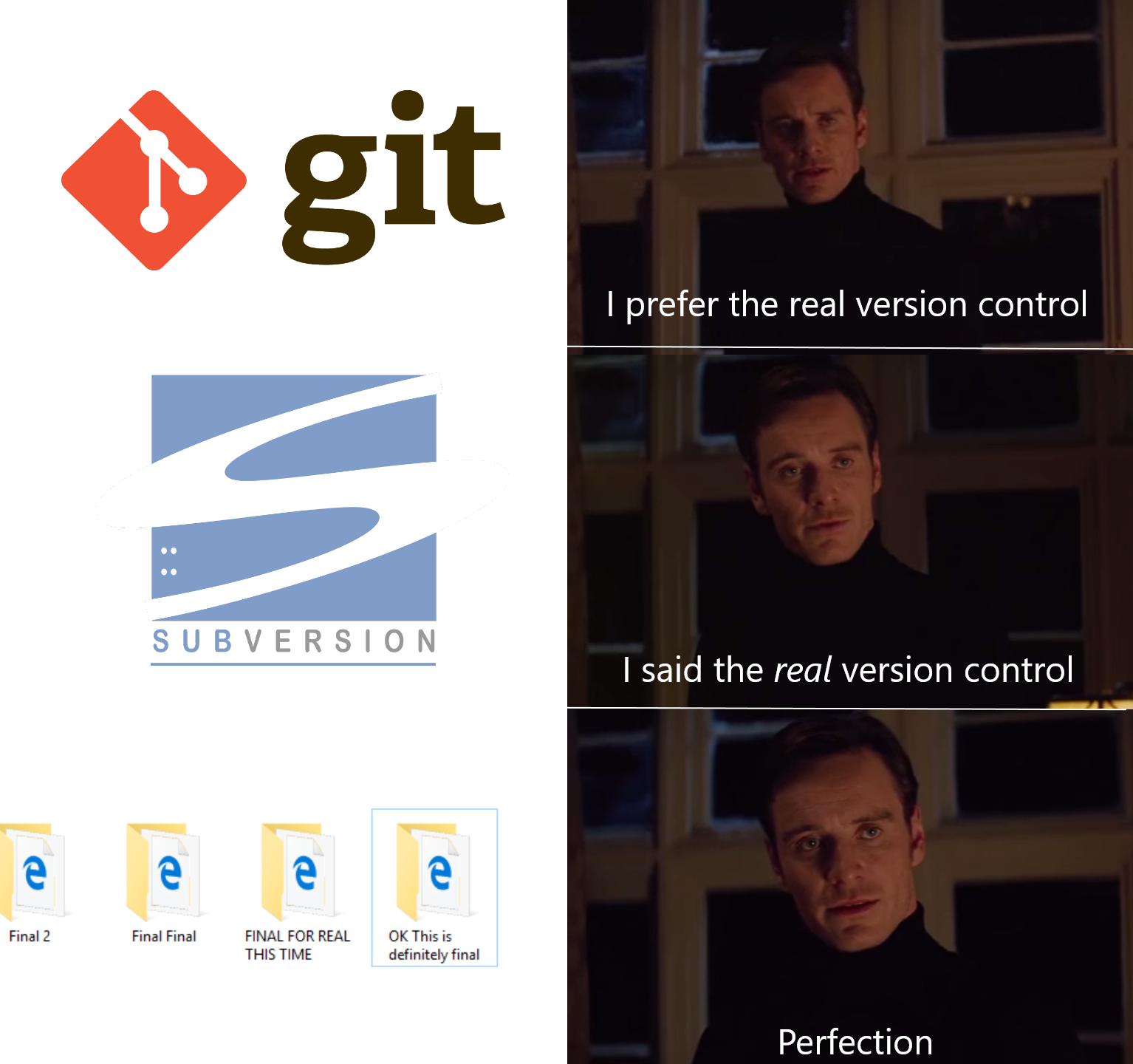
DevOps Meme

My friend Prachi tagged me on this meme on Facebook and I couldn’t agree more with her. When I started my career, my entire version control was folders – zipped, tagged and stored on multiple hard-disks. But then things changed. My guru Raj, enlightened me about advantages of version control systems. I learned about how multiple people can collaborate on projects or how errors can be reversed by going through code history if version controls like Team Foundation Server or GitHub are used. I started using those and these days, all my projects and samples are either in Visual Studio Team Services or in GitHub repository.  Going one step ahead, I’m using Visual Studio Mobile Center for DevOps along with these version control systems.

But what is this all about? How it helps in building successful mobile applications? And I thought about answering these questions in a video series. The goal is to explain mobile DevOps and different steps in mobile DevOps in small (less than 10 mins) videos.  After completing this series, you’ll be able to build cross-platform Xamarin.Forms mobile application, which will consume Microsoft Cognitive Service and set-up mobile DevOps for the same.

To follow along with this series, I’m recommending following minimum hardware/software combination:

  • Intel i5, 8GB, 50GB machine with Hyper-V support & Windows 10 Professional
  • MacBook or MacMini with i5, 4GB, 50GB for compiling iOS apps
  • Visual Studio 2017 Community Preview

With these hardware/software additional services used in this series are:

Watch the 1st video here about activating these tools & services to set-up mobile DevOps.

In 2nd video learn about how to setup build automation, using Visual Studio Mobile Center.

I’ll update this blog post in coming weeks with the 3rd video in this series, which will be about building mobile applications.

Stay tuned and subscribe to my blog/channel :)

Namaste.
Mayur Tendulkar